The Problem & Solution
Have you ever captured a nearly flawless portrait of yourself—great lighting, a confident smile, and the perfect background—only to realize your wrinkled t-shirt, casual loungewear, or outdated jacket completely ruined the professional vibe of the shot? Organizing an entirely new photoshoot just to fix an outfit failure is an expensive, time-consuming hassle. Photoleap resolves this frustrating daily dilemma by injecting powerful, pinpoint-accurate generative artificial intelligence directly into your camera roll, allowing you to realistically swap out, re-tailor, or completely redesign the clothing in your favorite photos with a few taps.
App Overview & Market Position
Photoleap is an elite, consumer-facing digital image manipulation platform built exclusively for mobile ecosystems. Developed by Lightricks Ltd.—the acclaimed visual software pioneer behind global hits like Facetune—Photoleap has established itself as a premier studio for layer-based mobile editing. Moving through 2026, the application has positioned itself at the cutting edge of the fashion-tech sector by transforming standard image inpainting models into an intuitive, dedicated AI Clothes Changer and Generative Fill interface.
What establishes Photoleap’s dominant market position in the AI wardrobe space is its sophisticated awareness of spatial fabrics and lighting dynamics. While text-to-image engines like Midjourney generate gorgeous concept designs but completely overwrite your original face, posture, and setting, Photoleap keeps your underlying photo intact. Its decisive unique selling point is its Contextual Fabric Preservation engine. Instead of pasting flat, cartoonish vector layers over your torso, Photoleap analyzes the light, shadows, and contours of your original body position, seamlessly folding hyper-realistic new textures—whether corporate linen, heavy denim, or evening silk—directly into the natural physics of your silhouette.
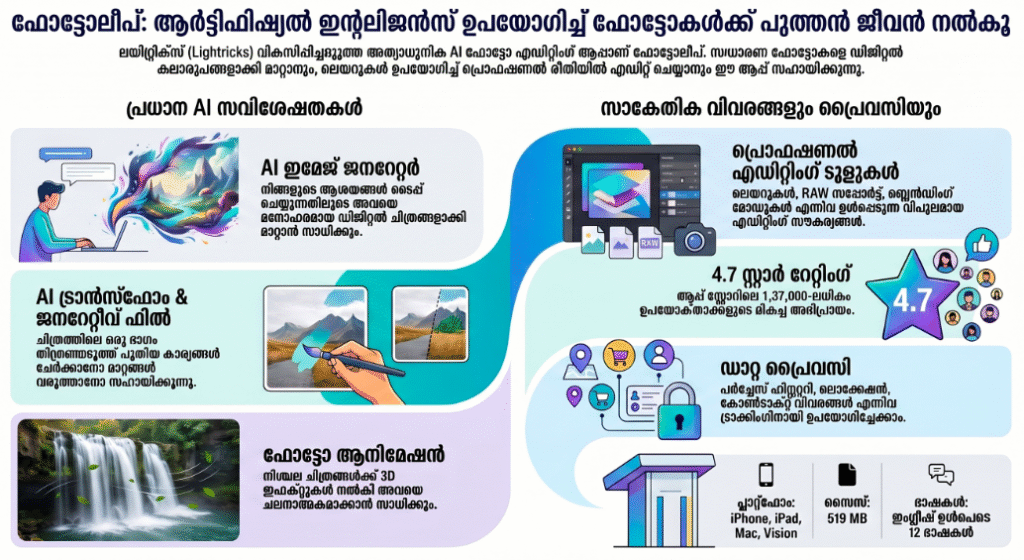
Key Features at a Glance
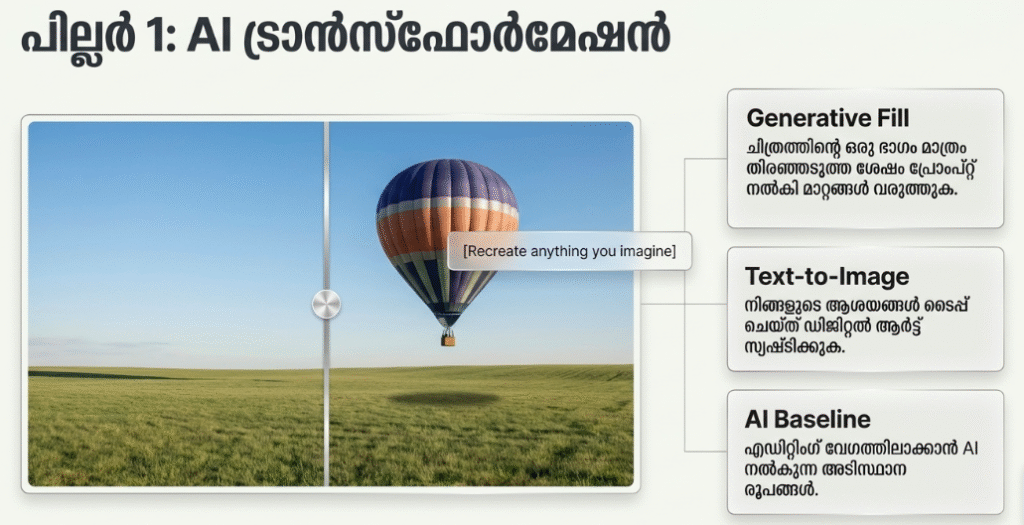
- Targeted AI Outfit Swap: Brush over your clothing using an intelligent smart-mask tool and type in your desired outfit, transitioning from gym clothes to a formal business suit in seconds.
- Smart Generative Fill: Expand your image canvas beyond its original borders or patch up localized structural imperfections using advanced, context-aware algorithmic synthesis.
- Automated Texture & Shadow Alignment: Preserve the precise real-world lighting, casting shadows, and fold dynamics of your environment to make your AI wardrobe edits look entirely authentic.
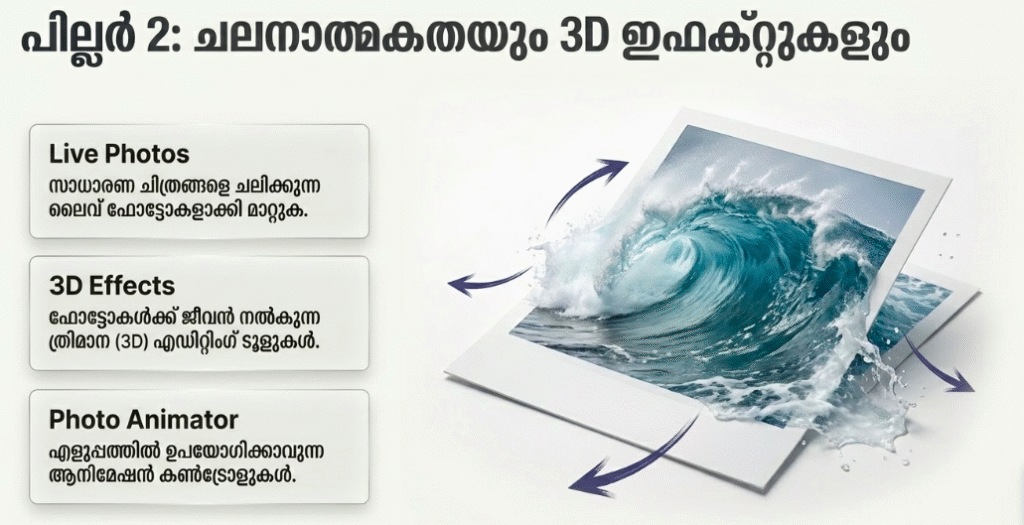
- Pro-Level Multi-Layer Canvas: Overlay, blend, and mask up to 12 distinct asset layers manually if you want to fine-tune your generated AI outfits using traditional editing parameters.
User Data & Market Reach
| Platform | Star Rating | Total Reviews | Downloads |
|---|---|---|---|
| iOS App Store | 4.7 / 5 | ~137,000 | 45 Million+ Cumulative |
| Google Play Store | 4.3 / 5 | ~85,000 | 20 Million+ Cumulative |
Technical Performance Review
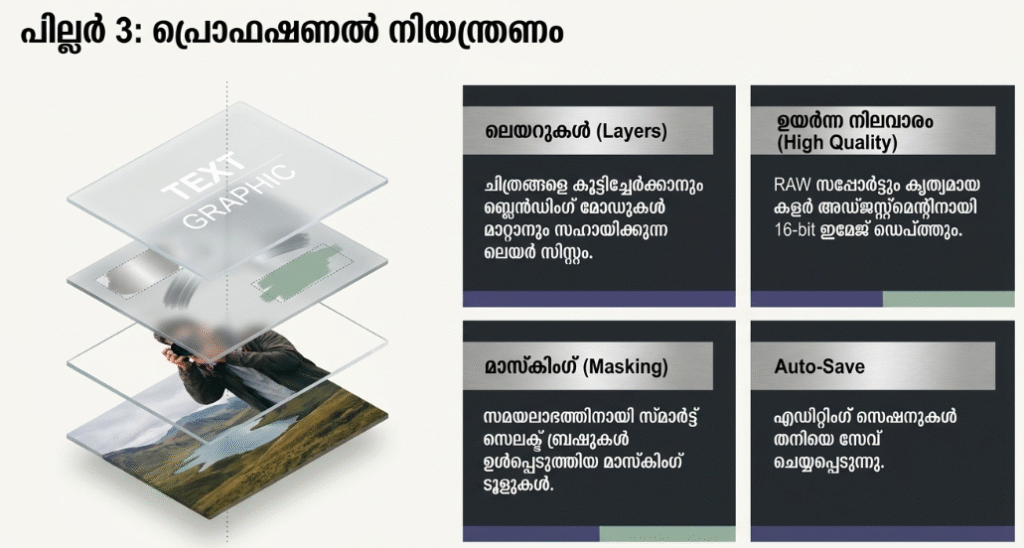
- Storage: Requires roughly 516MB of physical on-device storage space upon initial installation, making it a fairly heavy creative application due to its robust suite of local rendering brushes and assets.
- Data Usage: Moderate during local manual editing, but downloading specialized premium outfit assets or streaming complex, multi-pass cloud requests through the generative AI engine will rapidly drive up your data footprint.
- Battery/Efficiency: Standard photo manipulations run coolly, but executing multiple clothing generation loops back-to-back causes intensive background processor loading, which triggers minor device warming and accelerated battery draw.
Aklakstudio Advice: To avoid interface lag or abrupt app crashes when working on heavy, multi-pass generative clothing changes, clear your device’s active RAM by closing unneeded background applications before launching Photoleap.
Head-to-Head Comparison
| Attribute | Photoleap (Lightricks) | Picsart AI Photo Editor |
|---|---|---|
| AI Clothing Realism | High (Excellent physics matching, crisp fabric folds, and accurate shadow blending) | Moderate (Prone to flat vector texturing or minor edge bleeding around complex collars) |
| Workspace Interface | Clean, minimalist, and layer-focused workspace without intrusive social feeds | Highly complex, crowded, and heavily gamified social-first discovery ecosystem |
| Free-Tier Limitations | Restricts advanced layer usage and caps total generative AI operations daily | Ad-supported workspace with watermarks applied to premium tool outputs |
Best Practices & Safety
- Mask Content Conservatively: For the cleanest, most realistic wardrobe seams, brush slightly outside the edges of your original clothing borders to give the AI engine adequate room to blend the new sleeves and collars into the background landscape.
- Avoid Complex Patterns in Prompts: Stick to clear, descriptive texture phrases like “matte black leather jacket” or “crisp white tailored linen dress”—requesting hyper-specific, chaotic geometric patterns can cause the AI to output weird warp artifacts.
- Review Cloud Security Settings: Remember that your portrait images are uploaded to external cloud rendering farms to execute the generative fill process, so ensure you review the data protection toggles inside your account menu.
Setup Guide
- Download the Official Client: Takes 1 min.
Navigate directly to the Apple App Store or Google Play Store, search for “Photoleap: AI Photo Generator,” and download the official client by Lightricks. - Authenticate and Create Account: Takes 2 min.
Launch the app and complete your profile configuration using Apple, Google, or your personal email to enable automatic cloud backup for your projects. - Configure Local Storage Permissions: Takes 1 min.
Grant the application permission to access your local photo library, choosing either “Full Access” or selecting a curated subset of pictures you plan to modify. - Launch the Wardrobe Sandbox Engine: Instant.
Select a target photo from your library, tap the “AI Tools” tray at the baseline of the workspace, select “Generative Fill” or “Outfit,” and begin masking out your wardrobe.
Common Questions (FAQ)
Q: Can Photoleap perfectly change clothes on multiple people in a single group photo?
A: Yes. However, for the highest-quality structural outputs, it is best to select each person individually, adjust their specific clothing mask, and process the wardrobe changes sequentially rather than prompt-bombing everyone at once.
Q: Do I need a continuous internet connection to use the AI clothing changer?
A: Yes. While standard color adjustments and crop brushes operate locally on your phone, the complex generative math required to synthesize new clothing textures relies on remote cloud servers.
Q: Are my edited portraits automatically stamped with a visible watermark?
A: No. Photoleap does not force ugly, permanent branding watermarks onto your final exported canvas, even if you are utilizing the base free version of the software.
Download the Official Version
- iOS Users: Download on the Apple App Store
The Aklakstudio Final Verdict
Photoleap is an exceptional, highly practical creative tool that beautifully bridges the gap between expert graphic design suites and accessible smartphone apps. Its specialized AI wardrobe-swapping and generative fill systems are incredibly impressive, saving users from expensive, time-consuming retakes by fixing outfit flaws seamlessly. It is a fantastic application for digital influencers, small business owners, and professionals needing polished portrait updates on the fly, though users with strictly older smartphone models might find the large download size and heavy data consumption a bit tasking.
Rating Scorecard
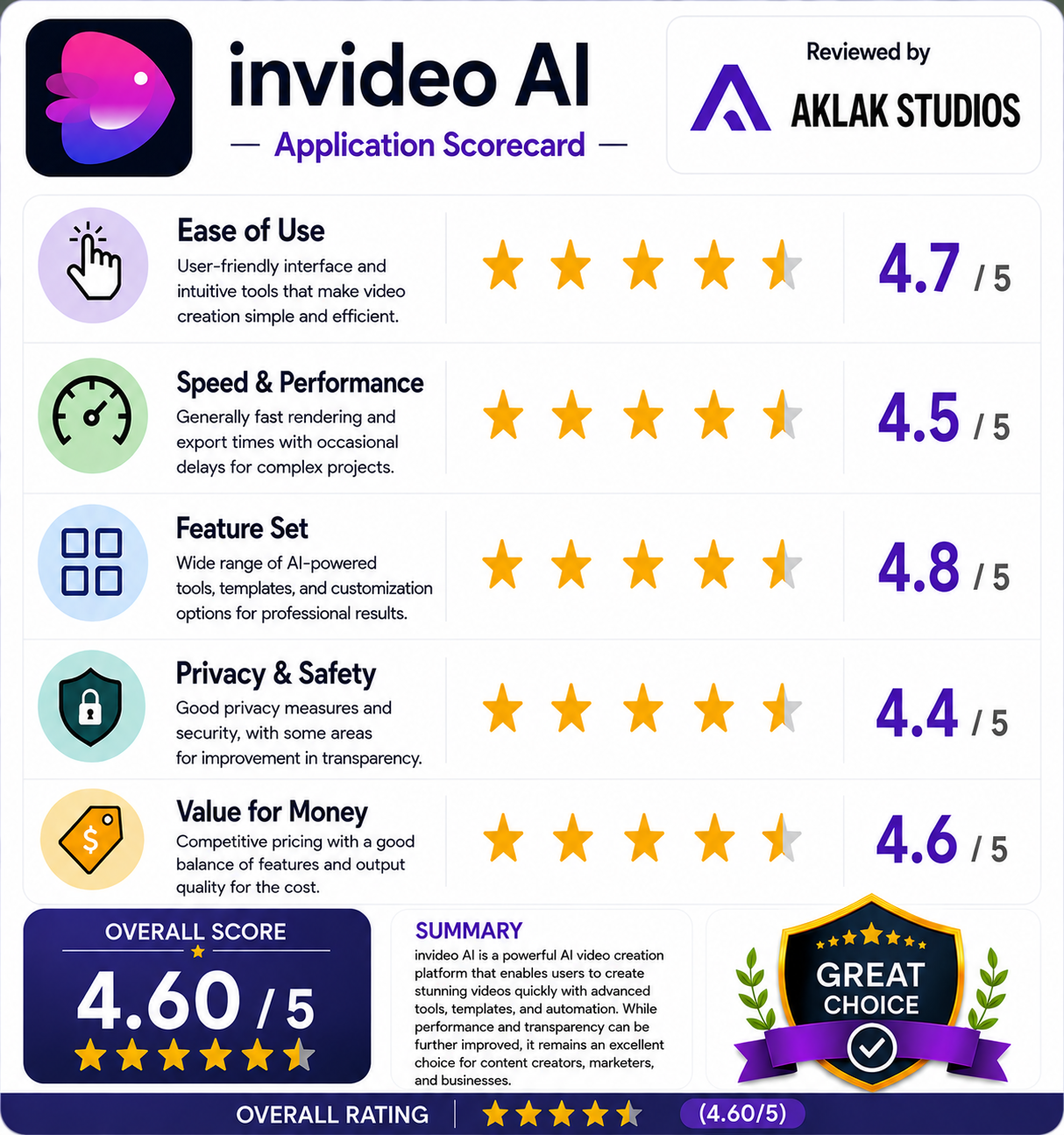
- Ease of Use: 4.7 / 5
- Speed & Performance: 4.5 / 5
- Feature Set: 4.8 / 5
- Privacy & Safety: 4.4 / 5
- Value for Money: 4.6 / 5