As a professional tech journalist at aklakstudios.com, I’ve seen countless file-transfer apps come and go, often weighed down by heavy ads or clunky interfaces. However, for users in India—where large video files and high-speed offline sharing are non-negotiable—ShareMe (formerly MiDrop) remains a powerhouse.
The Problem & Solution (Intro)
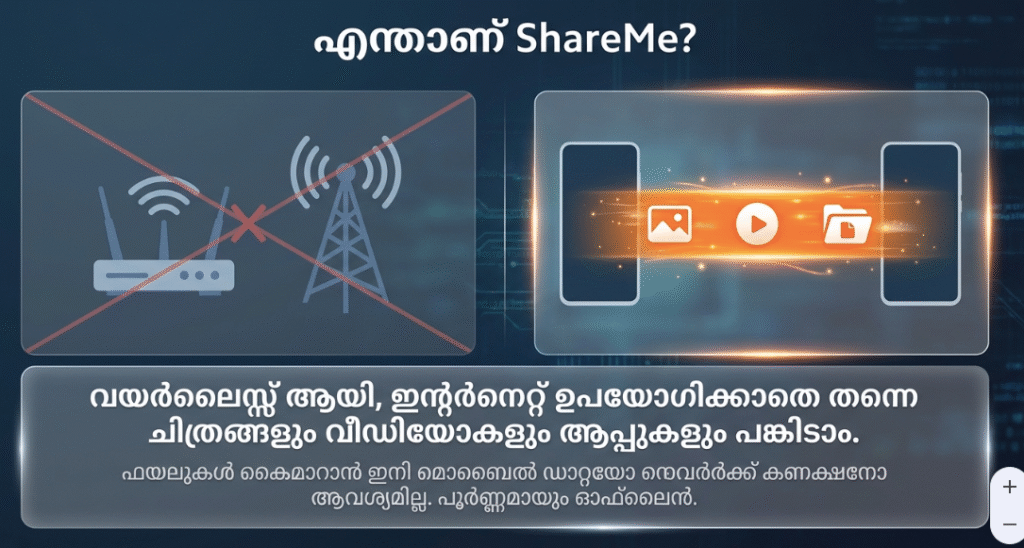
Have you ever tried to send a 2GB wedding video or a high-resolution project folder to a friend, only to have Bluetooth tell you it will take three hours? In a world where we share more data than ever, relying on slow connections or expensive mobile data isn’t just frustrating—it’s inefficient. ShareMe is the high-speed, offline solution that makes “cabled” transfer speeds wireless and instantaneous.
App Overview & Market Position
ShareMe is a free, P2P file-sharing tool developed by Xiaomi Inc. While it was originally built as a native feature for Xiaomi’s MIUI (now HyperOS), it has evolved into a standalone app available for all Android devices. It uses Wi-Fi Direct technology to create a local hotspot between devices, allowing for transfer speeds up to 200 times faster than traditional Bluetooth.
What distinguishes ShareMe from heavyweights like SHAREit or Files by Google is its clean, ad-free philosophy. While many competitors have cluttered their interfaces with “trending videos” and distracting games, ShareMe stays focused on its core utility. Its unique selling point is its “WebShare” feature, which allows you to transfer files to a PC or even an iOS device via a browser—solving the common “Android-to-iPhone” headache without needing extra software.
Key Features at a Glance
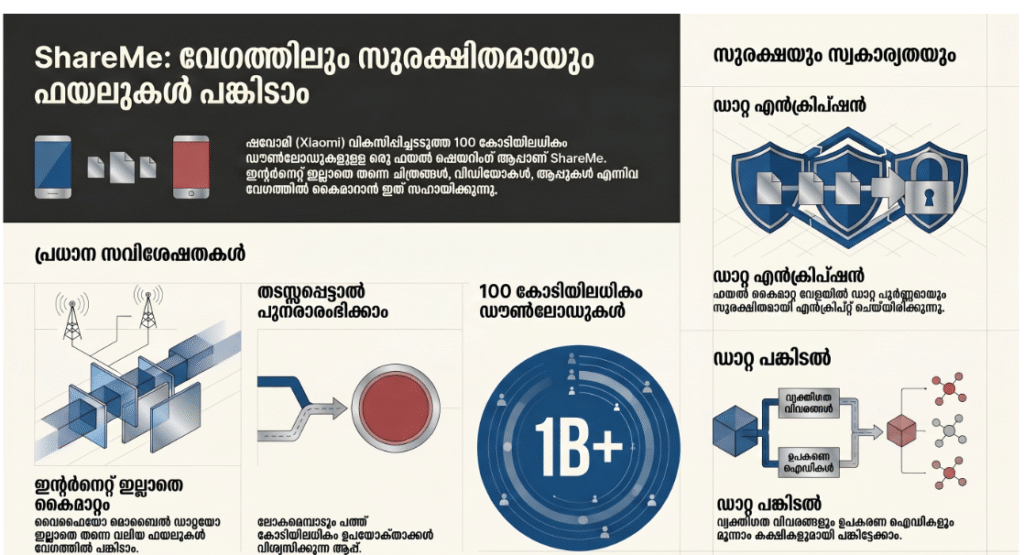
- Lightning-Fast Speed: Transfer photos, videos, and apps at speeds reaching up to 50MB/s without using any cellular data.
- Cross-Platform Support: Share files seamlessly between Android phones or use the WebShare mode to connect with PCs and iPhones.
- Resume Interrupted Tasks: Tap once to restart a transfer if the connection drops, ensuring you don’t have to start long 4K video sends from scratch.
- Zero Ad Intrusion: Enjoy a streamlined user interface that doesn’t bombard you with pop-ups or irrelevant content suggestions.
- Massive File Handling: Send entire folders or huge zip files with no artificial limits on file size or quantity.
User Data & Market Reach
| Platform | Star Rating | Total Reviews | Downloads |
| iOS App Store | 4.1/5 | 500+ (Web Tool) | 10M+ (Web Access) |
| Google Play | 4.6/5 | 2.3M+ | 1B+ |
Technical Performance Review
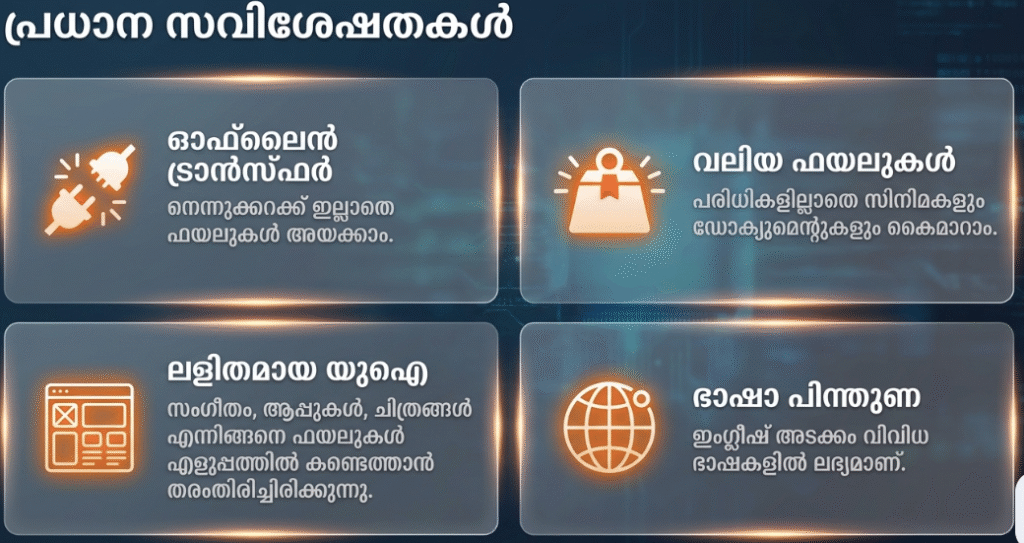
- Storage: The app is incredibly lightweight, taking up less than 30MB of space, making it ideal for budget phones with limited storage.
- Data Usage: It is fully optimized for offline use; it requires zero mobile data for the actual transfer process.
- Battery/Efficiency: Since it uses Wi-Fi Direct rather than constant internet pings, it is highly battery-efficient during large transfers.
Aklakstudio Advice: To get the absolute maximum speed, ensure both devices are within 2 meters of each other and that “Battery Saver” mode is turned off, as it can sometimes throttle the Wi-Fi chip’s performance.
Head-to-Head Comparison
| Attribute | ShareMe | |
| Transfer Speed | Up to 50MB/s (Offline) | Limited by Internet Speed |
| File Compression | None (Original Quality) | Significant (Reduced Quality) |
| Data Cost | Free (Zero Data) | High (Uses Mobile/Wi-Fi Data) |
Best Practices & Safety
- Trust the QR: Always use the QR code scanning method to connect devices; it’s the most secure way to ensure you are sending files to the intended person.
- Manage Permissions: Grant “Location” and “Storage” access only when prompted; these are necessary for the app to find nearby hardware and read/write files.
- Clean Up Post-Transfer: Periodically check your “Received” folder and move files to your SD card or cloud to keep your internal memory from cluttering up.
Setup Guide
- Install: Download ShareMe from the Google Play Store and accept the initial user agreement.
- Permissions: Allow the app access to your storage and location (needed for the Wi-Fi Direct handshake).
- Identify: Set a recognizable nickname and avatar so your friends can easily find you.
- Connect: Tap the “Send” button on the source device and “Receive” on the destination device to generate the pairing QR code.
Common Questions (FAQ)
Do I need a Xiaomi phone to use ShareMe?
No, ShareMe works on all modern Android devices, regardless of the manufacturer (Samsung, Oppo, Vivo, etc.).
Can I share files with an iPhone?
Yes, by using the “Share to PC/iOS” option, which generates a local web address for the iPhone user to visit and download the files.
Is it safe to share private photos?
Yes, the transfer is peer-to-peer (P2P), meaning your files never touch a cloud server or a third party’s database.
Download the Official Version
- Android: Download ShareMe App
The Aklakstudio Final Verdict
ShareMe is the gold standard for local file sharing in 2026. It is perfect for students, photographers, and content creators who frequently move large amounts of data between devices without wanting to pay for data or endure slow Bluetooth speeds. While its iOS support is web-based rather than a native “AirDrop-style” experience, its utility on Android is unmatched. It is simply the cleanest, fastest, and most reliable utility app in its category.
Rating Scorecard
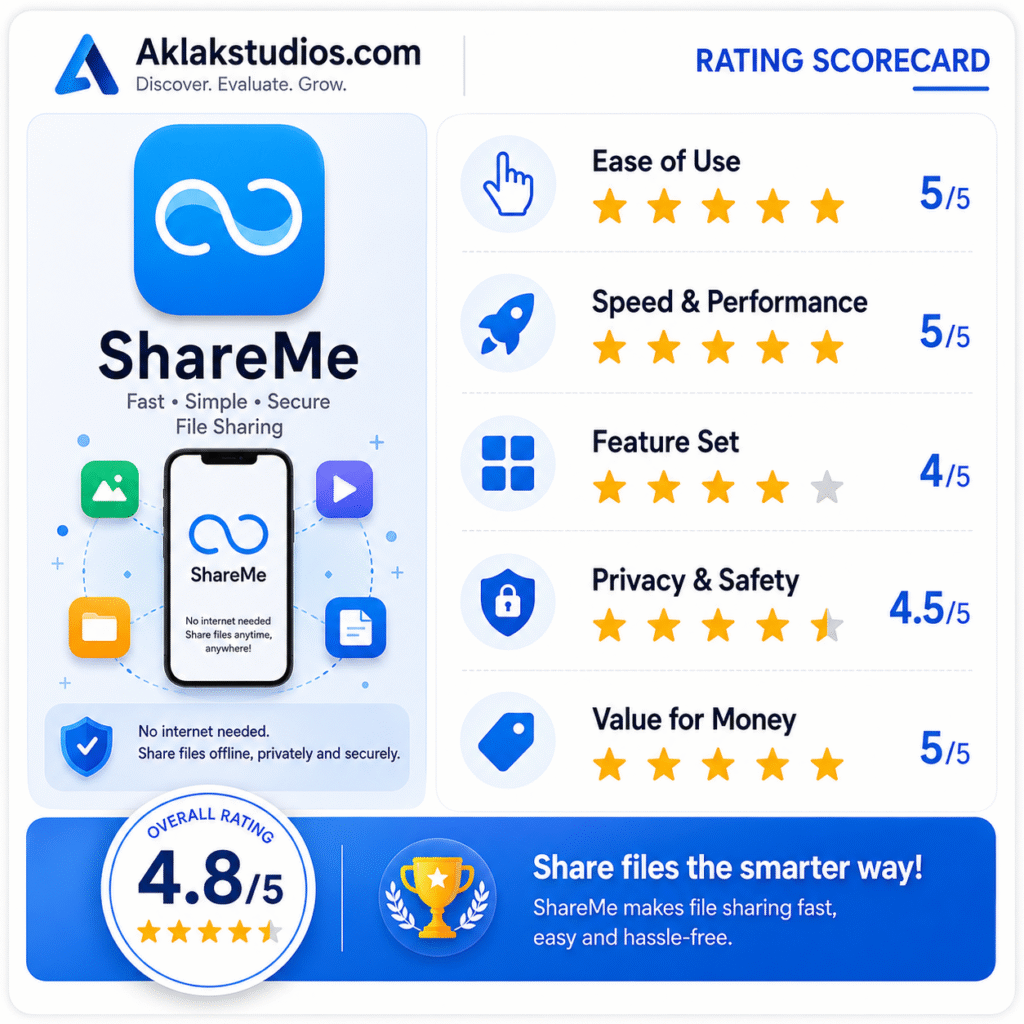
- Ease of Use: 5/5
- Speed & Performance: 5/5
- Feature Set: 4/5
- Privacy & Safety: 4.5/5
- Value for Money: 5/5
Overall Aklakstudio Score: 4.7 / 5