The Problem & Solution
Have you ever sat down at your desk to type up a long, multi-page print contract, a recipe from a physical cookbook, or notes scribbled on a conference room whiteboard, only to realize your typing speed can’t keep pace with your schedule? For professionals, students, and researchers, manually transcribing physical documents into digital text remains a tedious hurdle that wastes time and causes data entry errors. OCR Text Scanner (popularly recognized on mobile app marketplaces as Text Scanner [OCR] or OCR Image to Text Scanner) beautifully resolves this daily friction by introducing an agile, optical character recognition (OCR) scanner to your smartphone, instantly turning hard-copy print layouts into fully editable, searchable digital text blocks with a single snapshot.
App Overview & Market Position
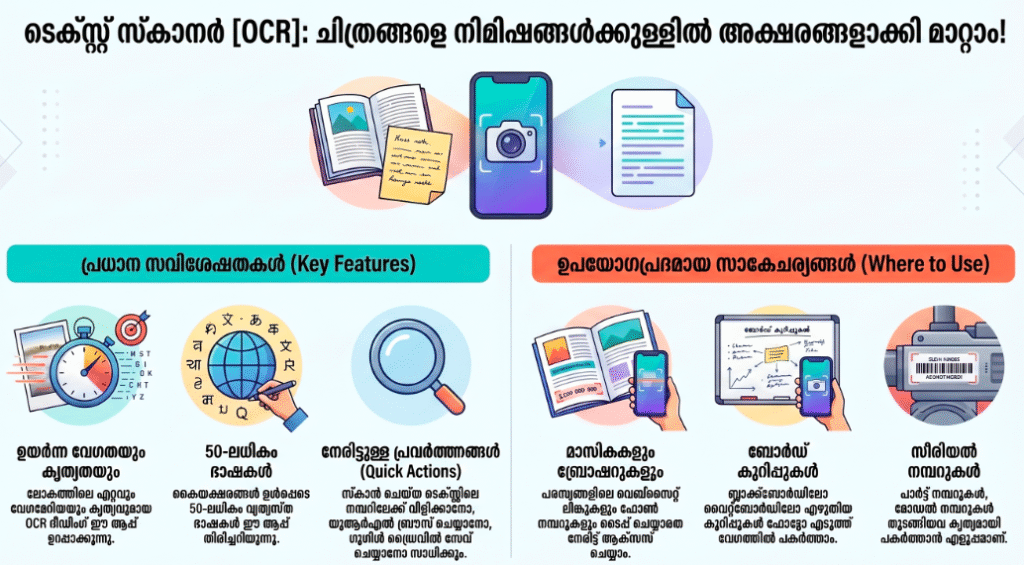
OCR Text Scanner is a utility-first productivity application designed to bridge the gap between physical documents and digital workspaces. Maintained by prominent mobile utility developers—such as Peace on the Android marketplace and matching top-tier development groups on the iOS App Store—this application turns your device’s camera into a high-speed data digitizer. The platform processes images from your camera roll or real-time camera views to isolate alphabetic characters, symbols, web links, and phone numbers.
What establishes OCR Text Scanner’s dominant position in the mobile productivity market is its focus on high-speed text extraction and processing layout accuracy. While massive, all-in-one document archiving suites (like CamScanner or Adobe Scan) focus on broad document saving, often trapping extracted text behind restrictive business subscription paywalls, OCR Text Scanner prioritizes quick, effortless text extraction. Its true unique selling point is its High-Precision Multi-Language Neural OCR Engine. The app features processing capabilities that support more than 50 printed languages and distinct font sets. It instantly identifies printed lines, straightens distorted viewing angles, and extracts actionable details like tappable URLs or phone numbers from skewed images, making manual text transcription entirely obsolete.
Key Features at a Glance
- High-Precision Character Extraction: Scan physical documents, magazines, or notices to convert image blocks into completely editable text files instantly.
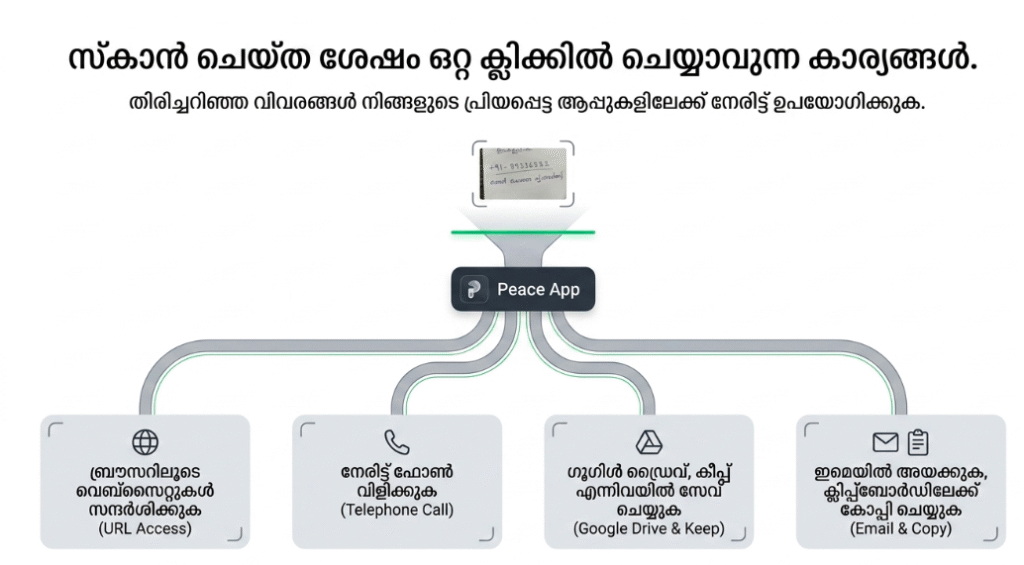
- Tappable Actionable Text Links: Identifies embedded elements within scanned text to let you launch URLs or dial phone numbers with a single tap.
- Multi-Language Database Support: Processes and translates over 50 international printed languages and diverse font sets with high recognition accuracy.
- Integrated Scanned History Ledger: Saves your previous text extractions automatically to a searchable history log to streamline your file coordination.
User Data & Market Reach
| Platform | Star Rating | Total Reviews | Downloads |
| iOS App Store | 4.6 / 5 | ~14,500 | 5 Million+ Global Users |
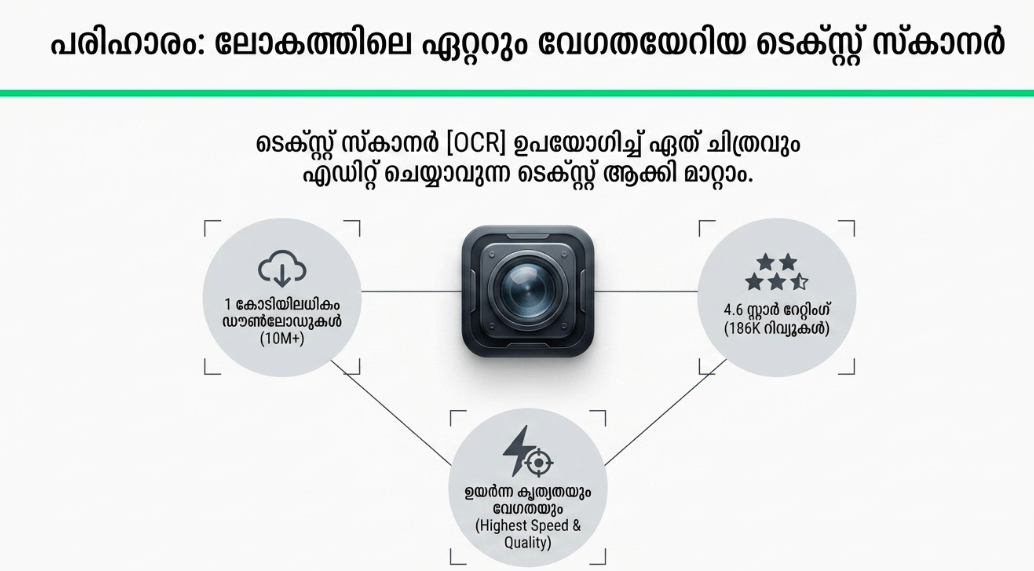
| Google Play Store | 4.2 / 5 | ~182,000 | 10 Million+ Active Installs |
Technical Performance Review
- Storage: Remarkably compact and light on physical drive memory, requiring a lean baseline installation size of under 35MB, ensuring ample space remains for other business assets.
- Data Usage: Highly optimized for low network consumption; the application executes its primary scanning algorithms locally on your phone hardware, using data strictly for cloud transfers or optional translation tasks.
- Battery/Efficiency: Passively demanding during initial framing setups, though processing heavy pages or utilizing the device’s flashlight loop for low-light scans will cause standard, temporary battery consumption.
Aklakstudio Advice: When scanning documents with complex column formats or multi-tiered charts, use the built-in cropping handles to select exactly one text column at a time; this keeps the text from shifting out of chronological order.
Head-to-Head Comparison
| Attribute | OCR Text Scanner App | Stock Smartphone System Tools (e.g., Live Text / Google Lens) |
| Workspace Continuity | High (Features an internal, editable text box history tracking log where you can compile, edit, and join text blocks over time) | Low (Operates strictly as an ephemeral, on-screen clipboard copy tool that drops your text history once closed) |
| Data Output Varieties | Versatile (Allows users to directly compile extracted text files into standardized PDF document types or text spreadsheets) | Basic Clipboard Only (Restricts usage entirely to copy-and-paste command structures across your device apps) |
| Language Recognition | Specialized Calibration (Enforces targeted reading parameters over 50 distinct international fonts, including cursive elements) | Generalized Coverage (Relies on broad cloud tracking engines that can miss non-standard text accents or columns) |
Best Practices & Safety
- Flatten Pages Prior to Imaging: To achieve maximum character recognition accuracy, flatten curved book bindings or crumpled sheets as much as possible before taking your photo.
- Ensure Balanced Lighting Over the Page: Avoid heavy shadows or uneven lighting profiles across your physical text pages; utilize the application’s built-in flashlight toggle tool in low-light workspaces to ensure clear contrast.
- Audit Private Financial Information: Because the app reads text files locally and tracks history logs, periodically clear out sensitive files (like scanned bank statements or personal ID numbers) from the history log to preserve data privacy.
Setup Guide
1.Install the Official Package Client:Takes 1 min.
Open your official Google Play Store or iOS App Store, search for “Text Scanner [OCR]” developed by Peace or verified alternatives, and download the app safely.
2.Authorize System Camera Privileges:Takes 30 seconds.
Launch the tool and grant it explicit, secure permission to access your device’s Camera and Storage systems when prompted by the operating system.
3.Calibrate Primary Language Profiles:Takes 30 seconds.
Open the dashboard’s settings menu wheel to choose your primary language pack target, ensuring accurate character matching.
4.Align the Text Box and Scan:Instant.
Point your phone camera squarely at the printed document, use the crop layout to frame your text lines, and hit the shutter button to extract your text.
Common Questions (FAQ)
Q: Can this application accurately read and digitize fluid cursive or messy human handwriting?
A: While the app’s neural engine is highly accurate at processing standard printed document fonts, labels, and clean whiteboard lettering, complex cursive or highly stylized personal handwriting can cause drops in character accuracy.
Q: Does the app require a continuous, high-speed internet connection to parse text characters?
A: No. OCR Text Scanner is built with local-first processing blocks, allowing you to scan physical pages and extract text completely offline without burning through your cellular data plan.
Q: Are my confidential scanned contracts or corporate text documents uploaded to third-party cloud data farms?
A: Not at all. The application prioritizes local privacy, meaning all primary character scans and extracted text lists stay saved directly within your device’s local memory tree.
Download the Official Version
- Android Users: Download on the Google Play Store
The Aklakstudio Final Verdict
The OCR Text Scanner mobile application is an outstanding, highly reliable utility that does a phenomenal job of turning physical documentation into accessible, fully interactive digital text assets. By dropping heavy multi-layered account configurations and replacing them with high-speed multi-language neural engines, clickable URL actions, and an unthrottled baseline free scanning track, it respects your time and device resources perfectly. It is an indispensable mobile companion for busy students compiling textbook passages, researchers scanning archive logs, and office administrators managing physical invoices on the move. However, enterprise team managers who require automated multi-user server databases, macro script automation pathways, or complex desktop publishing layouts will eventually outgrow its mobile-first framework and want to step up to heavy desktop software environments instead.
Rating Scorecard
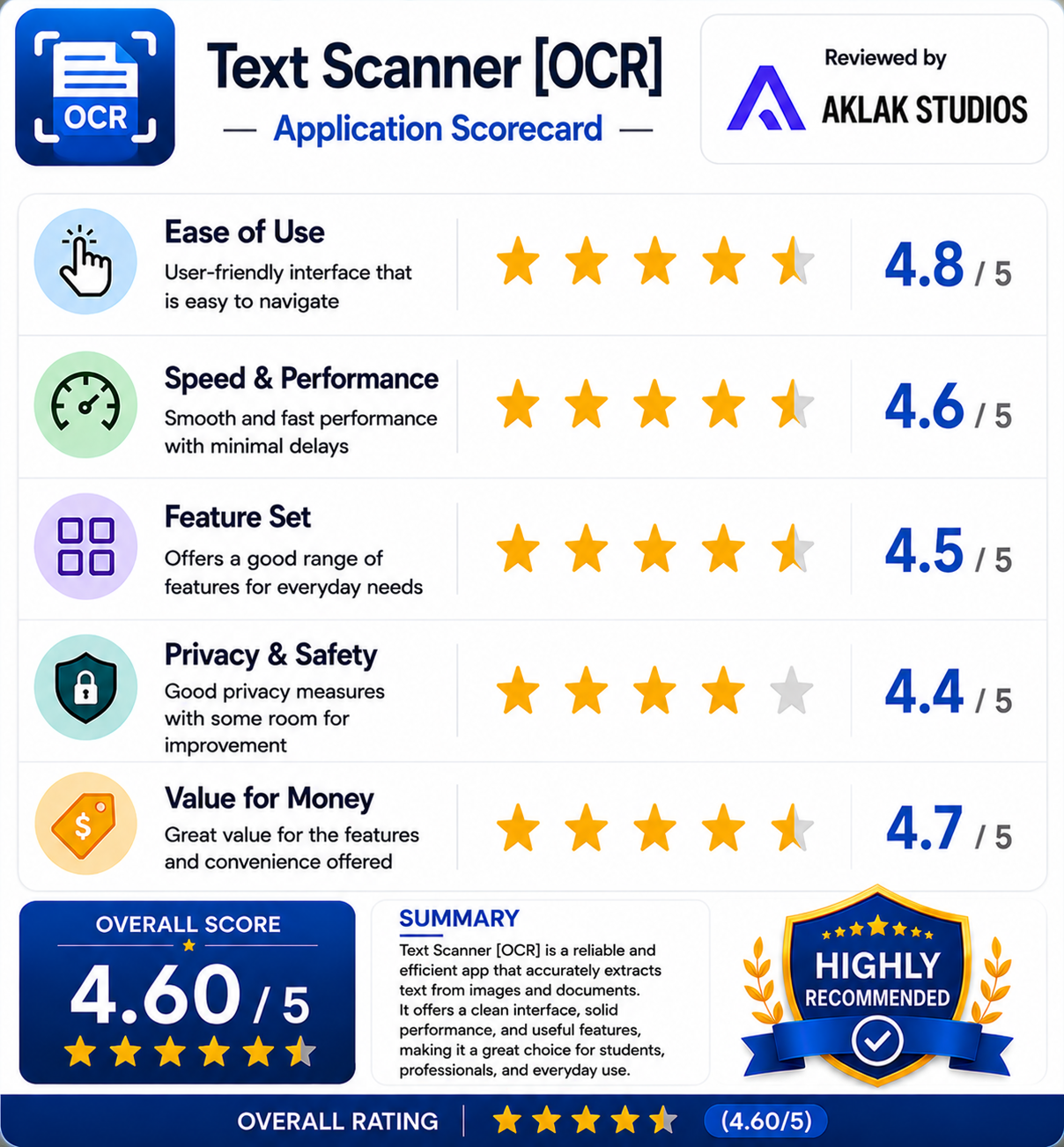
- Ease of Use: 4.8 / 5
- Speed & Performance: 4.6 / 5
- Feature Set: 4.5 / 5
- Privacy & Safety: 4.4 / 5
- Value for Money: 4.7 / 5