Artificial intelligence is no longer limited to developers or technical professionals. In 2026, no-code AI tools allow non-technical users to automate workflows, create content, analyze data, and improve business operations without programming skills.
This guide explains how no-code AI stacks work, step-by-step workflows for beginners, and practical business use cases.
What Are No-Code AI Tools?
No-code AI tools allow users to build automation systems using visual interfaces instead of writing code.
Typical features include:
- Drag-and-drop workflow builders
- Pre-built automation templates
- AI text, image, and video generation
- Data analysis and summarization
- Integration with common apps
These tools reduce the technical barrier to implementing AI in everyday business operations.
Why Non-Technical Users Are Adopting AI
Traditional automation required:
- Programming knowledge
- Technical setup
- Developer support
Modern AI platforms allow business owners, marketers, and creators to implement automation directly.
Key advantages:
- Faster execution
- Reduced dependency on developers
- Lower setup cost
- Improved operational efficiency
However, no-code tools still require logical workflow planning.
Understanding No-Code AI Stacks
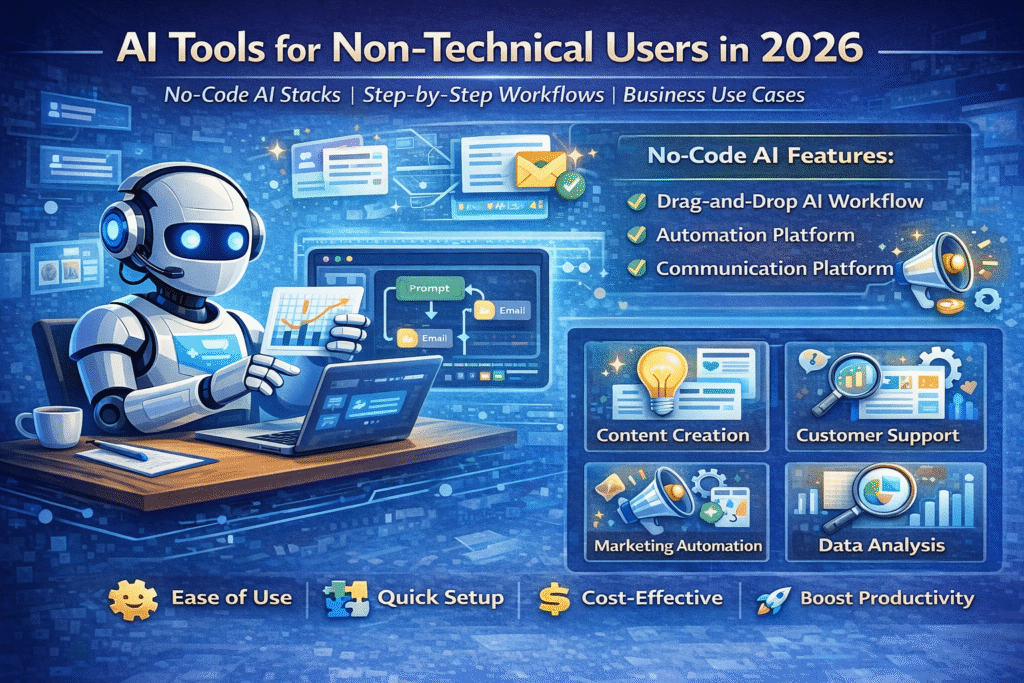
A no-code AI stack combines multiple tools working together to automate tasks.
Typical stack components:
- AI generation tool (text, image, or video creation)
- Automation platform (workflow builder)
- Communication platform (email, WhatsApp, CRM)
- Data storage or analytics tool
Example stack:
Customer inquiry → AI generates response → automation platform sends reply → CRM records data.
Step-by-Step Workflow Example (Non-Technical Setup)
Example: Automated Content Creation Workflow
Step 1: Input topic into AI content tool.
Step 2: Generate article outline.
Step 3: Expand into full draft.
Step 4: Send output automatically to Google Docs or CMS.
Step 5: Schedule social media promotion automatically.
Benefits:
- Reduces manual writing time
- Standardizes content structure
- Improves publishing consistency.
Example: Lead Management Automation
Step-by-step:
- Customer fills form.
- AI qualifies lead based on answers.
- Automated email reply sent instantly.
- Lead added to CRM.
- Follow-up reminder scheduled.
Outcome:
Faster response improves conversion probability.
Business Use Cases for Non-Technical AI Adoption
1. Content Marketing Automation
AI helps:
- Generate blog posts
- Create captions
- Produce marketing visuals
- Analyze SEO keywords
Best for small teams needing consistent publishing.
2. Customer Support Automation
No-code AI can:
- Answer common questions
- Provide product details
- Route complex queries to humans
Result:
Reduced response time and support workload.
3. Social Media Management
Automation workflows:
- Content scheduling
- Caption generation
- Comment monitoring
- Performance summaries.
4. Data Analysis and Reporting
AI tools summarize:
- Sales data
- Marketing performance
- Customer feedback
Useful for decision-making without manual analysis.
5. Local Business Operations
Non-technical users can automate:
- Appointment booking
- WhatsApp responses
- Review monitoring.
Benefits of No-Code AI Tools
- Accessible for beginners
- Rapid deployment
- Lower operational cost
- Reduced technical dependency.
Limitations and Risks
- Limited customization compared to custom development.
- Subscription costs increase when stacking multiple tools.
- Automation errors if workflows are poorly designed.
- Over-reliance on templates reduces differentiation.
Common mistake:
Expecting no-code tools to automatically create business strategy.
Best Practices for Non-Technical Users
- Start with one workflow.
- Map process before automation.
- Monitor AI outputs regularly.
- Keep human oversight for critical tasks.
- Optimize based on performance metrics.
SEO Strategy for This Topic
Primary keyword targets:
- AI tools for beginners
- no-code AI tools
- AI automation without coding
- business AI tools for non-technical users
Content structure recommendations:
- Clear headings
- Educational tone
- Balanced discussion of benefits and limitations
- Realistic examples.
Frequently Asked Questions (FAQ)
Can non-technical users build AI systems?
Yes, modern no-code platforms allow automation without programming skills.
Are no-code AI tools suitable for businesses?
Yes, especially for repetitive workflows and operational automation.
Do no-code tools completely eliminate technical work?
No. Basic logic and workflow planning are still required.
Final Analysis
AI tools designed for non-technical users enable faster adoption of automation across industries. No-code AI stacks reduce the need for programming but still require structured thinking and workflow planning.
Businesses that focus on practical use cases rather than experimenting randomly achieve better long-term results.