Have you ever had a brilliant, cinematic story idea bouncing around your head, only to abandon it because you lacked expensive camera gear, complex 3D animation skills, or a Hollywood production budget? Transforming a raw concept from a line of text into a visually stunning video has traditionally required thousands of dollars and weeks of tedious rendering. Fortunately, the Luma Dream Machine App solves exactly this problem, serving as an instant visual engine that materializes your written descriptions into fluid, high-definition cinematic footage in just a few minutes.
App Overview & Market Position
Developed by Luma AI, Inc., Luma Dream Machine is a cutting-edge generative artificial intelligence application engineered specifically for mobile and web ecosystems. Instead of relying on a traditional smartphone camera or pre-existing stock assets, the app utilizes a highly sophisticated diffusion transformer model. This architecture allows the app to interpret descriptive text prompts and construct entirely original video sequences from scratch, complete with realistic lighting, physics, and smooth camera trajectories.
In a rapidly evolving generative media market where major players like OpenAI’s Sora or Runway Gen-3 have historically favored desktop web interfaces, Luma Dream Machine carves out a powerful position with its distinct unique selling point: desktop-grade 4K cinematic generation accessible directly via a lightweight native iOS app. It bridges the gap between highly complex AI engineering and mainstream mobile content creation, enabling casual social media managers, storyboard artists, and independent creators to direct high-fidelity visual narratives right from their phones.
Key Features at a Glance
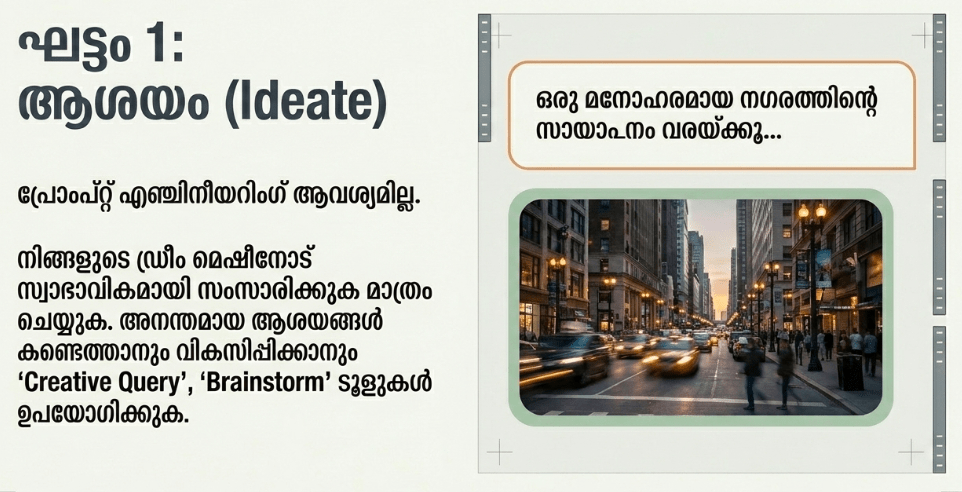
- Text-to-Video Engine: This foundational tool interprets standard text descriptions and animates them into rich, four-second video clips featuring highly accurate character physics and environmental consistency.
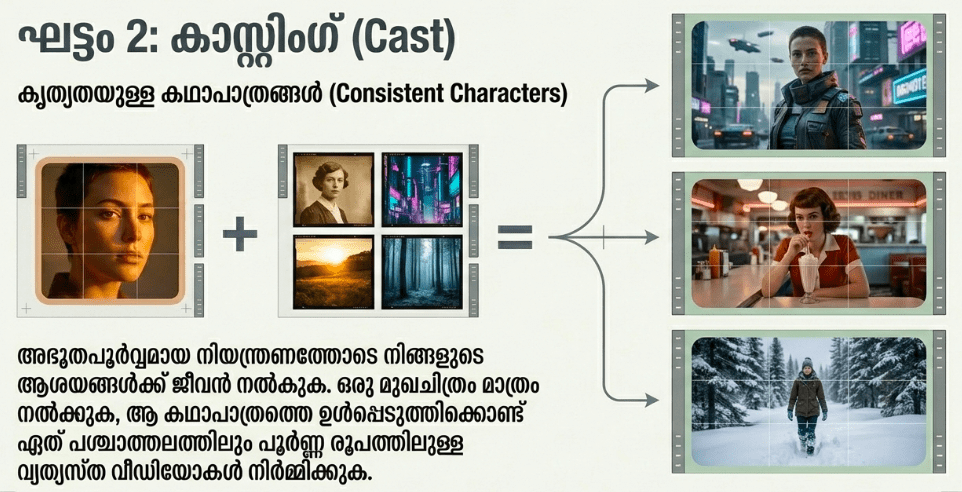
- Image-to-Video Animation: You can upload any static smartphone photograph or AI-generated image and instruct the model to breathe lifelike camera panning or subject motion into it.
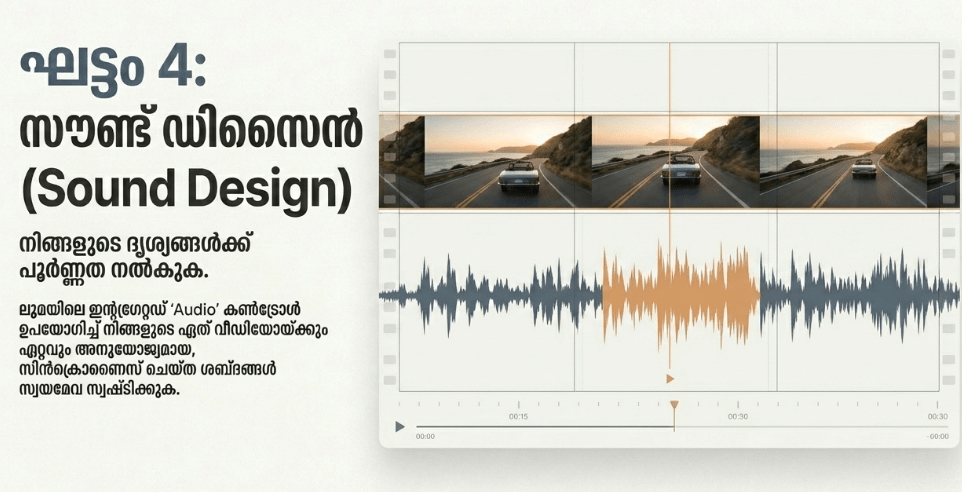
- Ray3 HDR 4K Rendering: The app’s processing backend delivers exceptionally crisp, high-dynamic-range exports that mimic professional movie camera sensors and advanced lighting setups.
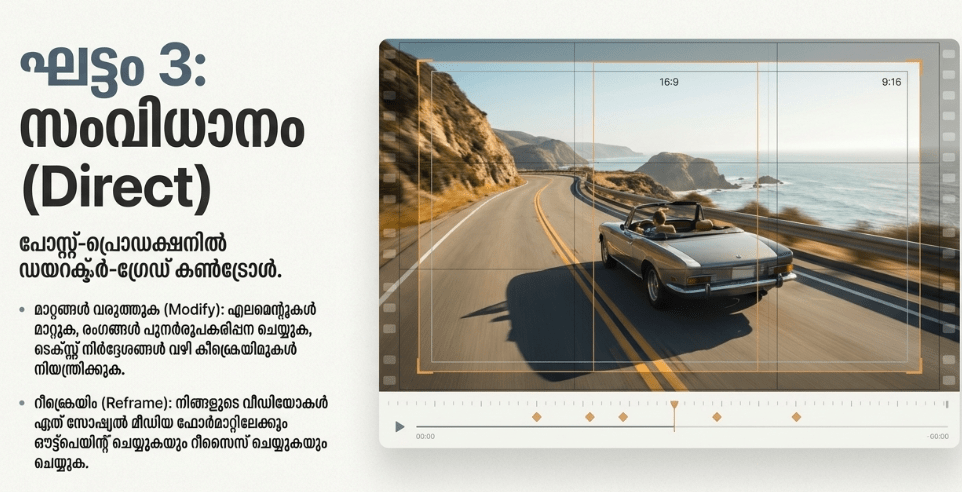
- Intuitive Camera Directives: Users can include technical cinematography terms in their text prompts—such as “slow crane shot,” “cinematic push-in,” or “shallow depth of field”—to precisely control the virtual camera’s behavior.
- Seamless Creative Agents Workspace: The interface syncs your mobile generations with collaborative team workspaces, allowing multiple creators to share rendering credits and stitch clips together smoothly.
User Data & Market Reach
| Platform | Star Rating | Total Reviews | Downloads |
| iOS App Store | 4.5 / 5 | Over 1,800 | 1M+ Estimated |
| Google Play Store | 4.1 / 5 | Over 5,000 | 500K+ Estimated (Web Wrapper) |
Technical Performance Review
- Storage: The application package itself is remarkably light at just around 76MB on iOS because the heavy computational heavy lifting is not processed by your phone’s hardware.
- Data Usage: Because the app must constantly stream heavy 4K video files back and forth from remote server farms, it is an absolute data hog that can rapidly deplete limited cellular data plans.
- Battery/Efficiency: Since the video rendering occurs entirely in the cloud rather than on-device, the app causes virtually zero processor lag or internal device heat, keeping battery drain exceptionally low compared to traditional mobile video editors.
Aklakstudio Advice: To completely protect your mobile data allotment from being swallowed by heavy AI video files, head directly to your system settings and restrict Luma Dream Machine to “Wi-Fi Only” data access. This ensures that massive 4K visual assets will only download when you are hooked up to an unmetered home or office connection.
Head-to-Head Comparison
To understand how a cloud-based generative AI engine differs from traditional applications, let’s look at how Luma Dream Machine compares directly against a broad utility network like WhatsApp Messenger.
| Attribute | Luma Dream Machine | WhatsApp Messenger |
| Primary Utility | AI-driven prompt-to-video asset synthesis and visual storytelling. | Real-time cross-platform text communication and peer-to-peer media sharing. |
| Processing Architecture | Cloud-Hosted; heavy video generation runs entirely on external supercomputing clusters. | On-Device; relies strictly on your local smartphone hardware to run its messaging engine. |
| Asset Origin | Algorithmic creation; builds completely original pixels and motion paths from text prompts. | User-supplied media; strictly transmits existing photographs or videos captured via a camera. |
Best Practices & Safety
- Enforce Strict Content Guardrails: Keep in mind that the app’s automated safety filters will instantly flag and reject prompts containing copyrighted names, celebrity likenesses, or aggressive imagery.
- Master the Art of Specificity: Avoid overly vague prompts like “a cool car”; instead, describe the environment, time of day, and camera movement explicitly (e.g., “A retro sports car driving down a neon-lit highway at dusk, slow cinematic tracking shot”).
- Keep Track of Generation Credits: Since high-tier rendering is processed on costly external servers, monitor your generation budget closely within the profile tab to avoid running out of monthly credits mid-project.
Setup Guide
1.Download the App:Takes under 30 seconds.
Navigate to your smartphone’s official storefront, search for “Luma Dream Machine,” and download the official software utility.
2.Authenticate Your Profile:Required for cloud compute access.
Open the app and log in using a secure Google or Apple ID to instantly provision your personal rendering account and initialize your free trial credits.
3.Set Default Ratio Preferences:Crucial for video outputs.
Jump into the generation workspace settings to select your default video layout, choosing between widescreen landscape for cinematic projects or vertical format for social reels.
4.Input Your First Prompt:Ready to generate.
Tap the primary prompt input field at the bottom of the screen, type out a descriptive visual scene, and hit the arrow button to dispatch your request to the cloud render farm.
Common Questions (FAQ)
How long does it take for a text prompt to turn into a video?
Because generations are queued on powerful cloud servers, processing speeds vary based on platform traffic. On average, a standard four-second high-definition clip takes between 60 to 90 seconds to finalize.
Can I use the videos generated by Luma Dream Machine commercially?
Commercial utilization rights depend entirely on your subscription tier. Free trial accounts are restricted to personal, non-commercial exploration, whereas paid subscription tiers grant full commercial use rights for your generated assets.
Why does my video sometimes feature distorted or warping shapes?
This is a standard limitation of modern generative video AI, known as an artifact or hallucination. Because the model simulates physics frame-by-frame, complex overlapping motions can occasionally confuse the system, requiring you to tweak your prompt wording and re-roll the generation.
Download the Official Version
- Android Devices: Access via Luma Web Interface (Official native Play Store app pending)
- iOS Devices: Download on the Apple App Store
The Aklakstudio Final Verdict
The Luma Dream Machine App feels like a legitimate glimpse into the future of media production, successfully packing an incredibly complex text-to-video AI model into an interface that is as simple to use as a basic messaging app. It is a spectacular tool for indie filmmakers building quick storyboards, marketing students creating rapid ad concepts, and imaginative creators who want to bring their written thoughts to life. However, because generative video technology can still occasionally create unusual visual warping or minor background glitching, it cannot fully replace traditional camera capture or precise manual editing suites for high-end commercial projects quite yet.
Rating Scorecard
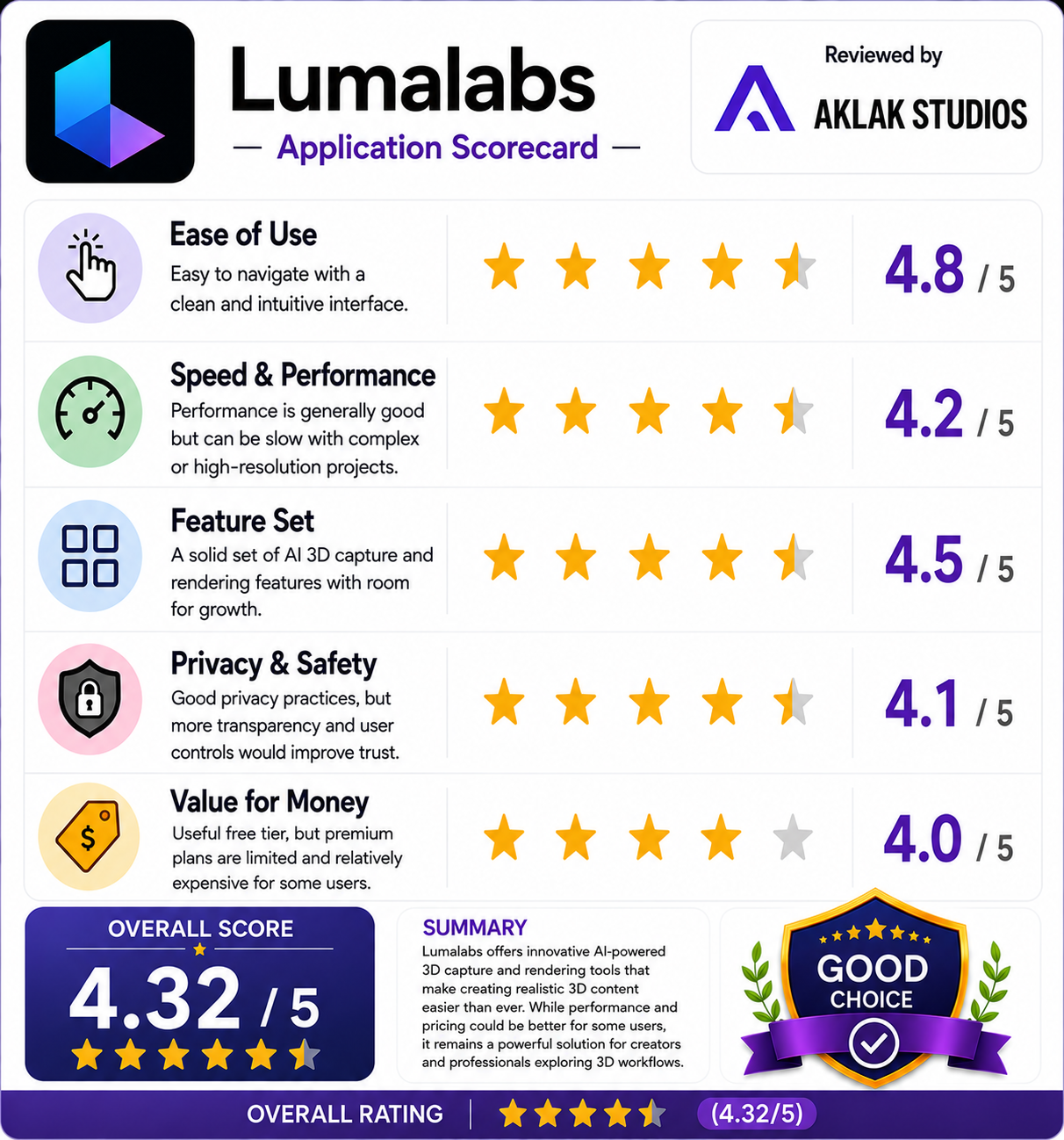
- Ease of Use: 4.8 / 5
- Speed & Performance: 4.2 / 5
- Feature Set: 4.5 / 5
- Privacy & Safety: 4.1 / 5
- Value for Money: 4.0 / 5
Overall Aklakstudio Score: 4.3 / 5