The Problem & Solution
Have you ever captured a perfectly timed video of a breathtaking landscape, a flawless skateboarding trick, or a clean product showcase, only to find that the raw background audio is entirely ruined by howling wind, passing traffic, or awkward ambient chatter? For content creators, social media marketers, and casual videographers, bad sound can instantly make high-quality video footage feel cheap and unwatchable. Add Audio to Video (popularly distributed across marketplaces as an agile audio-video mixer and editor) beautifully resolves this production headache by allowing you to completely strip away messy background noise and layer crisp MP3 tracks, voiceovers, or sound effects directly onto your timeline, transforming raw smartphone clips into polished, engaging content with just a few taps.
App Overview & Market Position
Add Audio to Video is a specialized, utility-first mobile media editing suite designed to streamline audio dubbing, track mixing, and soundtrack replacement. Developed by independent utility studios like Ksatria and BrainCraftApps across major mobile platforms, this application cuts through the overwhelming bloat of traditional, desktop-grade video editors to provide a lean, focused workspace centered strictly around spatial audio layering and video clipping.
What solidifies the app’s unique market position is its focus on single-task efficiency. While massive, heavyweight video editing apps require steep learning curves, force you to wade through complex multi-layer timeline grids, and lock high-definition exports behind premium subscription walls, Add Audio to Video delivers a lightweight, accessible alternative. Its core unique selling point is its Frictionless Multi-Track Audio Merging engine paired with 100% Free Exporting. Out of the box, the application allows users to extract audio files from existing videos, loop background tracks seamlessly, fade volume levels under speech paths, and export final high-definition clips entirely free of forced watermarks or intrusive billing gates.
Key Features at a Glance
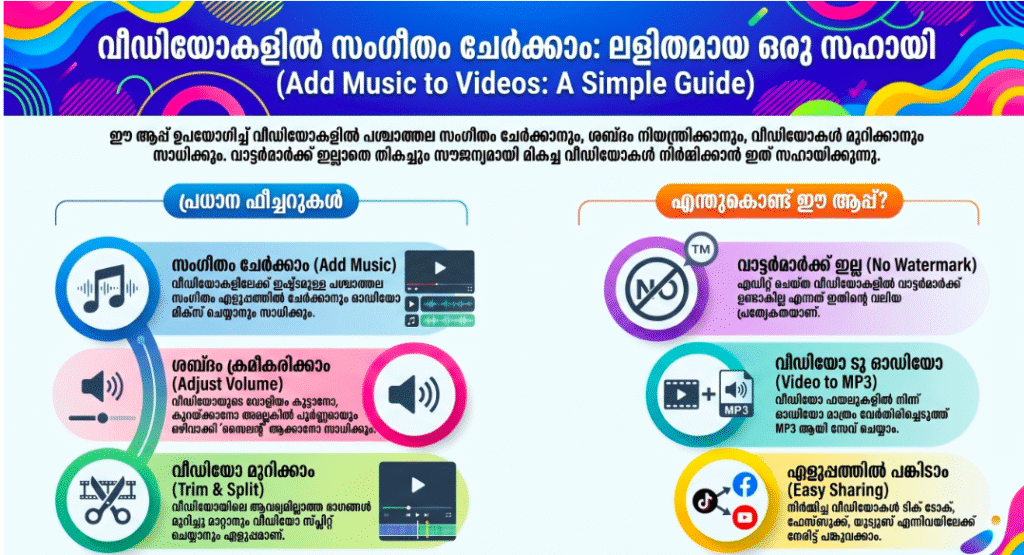
- Universal Audio Video Mixing: Layer background songs, custom music tracks, or extracted voice memos cleanly over your video files with precise timeline placement.
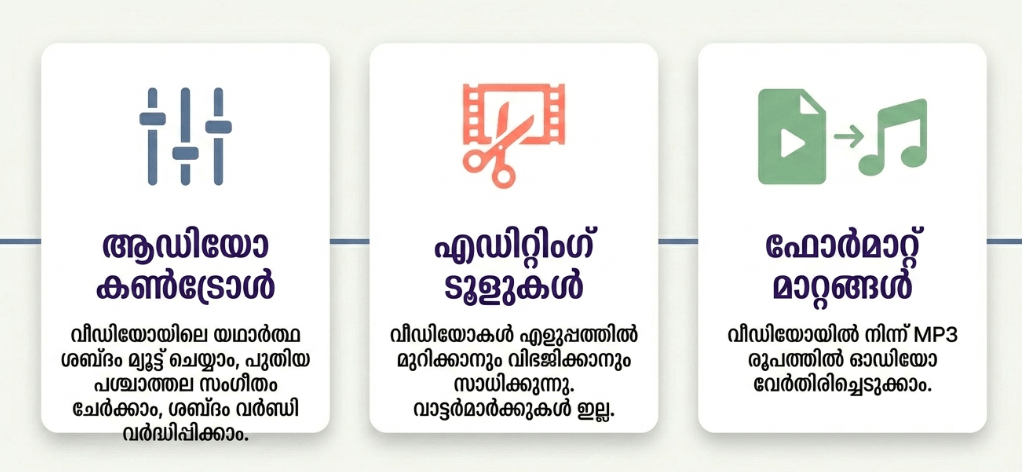
- Instant Ambient Audio Muting: Strip away chaotic, unwanted environmental noise or wind rumble from your raw footage with a single master volume control toggle.
- Intelligent Audio Tailor & Loop: Automatically trim overlapping music tracks down to match your exact video duration or duplicate files to create clean audio loop effects.
- Lossless High-Fidelity MP3 Extraction: Rip pristine background music, speeches, or sound effects out of any saved video asset to convert them into standalone audio files.
User Data & Market Reach
| Platform | Star Rating | Total Reviews | Downloads |
| iOS App Store (Pixel Force Ltd / Alternatives) | 4.4 / 5 | ~5,800 | 1 Million+ Cumulative Ecosystem Scale |
| Google Play Store (Ksatria) | 4.5 / 5 | ~84,000 | 10 Million+ Active Mobile Installs |
Technical Performance Review
- Storage: Remarkably streamlined and non-invasive on device hardware, requiring an ultra-lean initial installation profile of under 30MB on Android platforms, leaving plenty of room for your video media cache.
- Data Usage: Highly optimized for low data consumption; because all core rendering pipelines, audio slicing rules, and file multiplexing actions execute 100% locally on your smartphone, data is spent strictly on minor ad delivery cycles.
- Battery/Efficiency: Exceptionally passive during audio trimming and volume balancing steps, though rendering your final mixed high-definition video track will cause standard, temporary processor warming and minor battery draw.
Aklakstudio Advice: When compiling heavy batches of uncompressed audio tracks over long 4K video clips, clear your device’s multi-tasking background tray beforehand to free up maximum RAM and accelerate video encoding speeds.
Head-to-Head Comparison
| Attribute | Add Audio to Video App | Heavy Desktop-Style Video Editors |
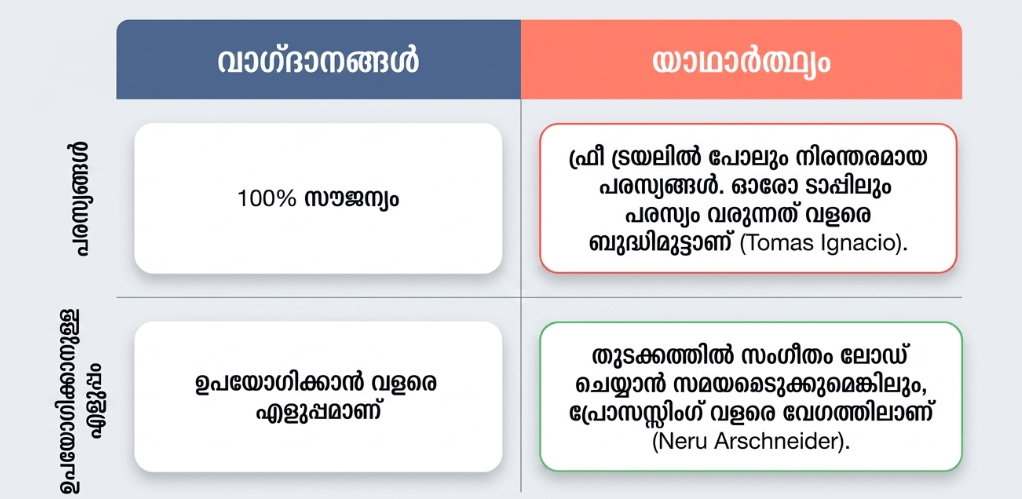
| Workflow Intricacy | Low (Features a fast layout built explicitly to swap soundtracks in under 60 seconds) | High (Requires navigating multi-layer timeline keys, complex nested menus, and advanced color grading pools) |
| Watermark Constraints | 100% Free (Produces clean, professional video outputs with zero forced promotional stamps or branding labels) | Heavy Paid Restrictions (Locks watermark removal, high-tier audio tracks, and 1080p/4K exports behind recurring fees) |
| System Footprint | Extremely Light (Demands less than 30MB of storage space, making it perfect for budget devices) | Heavy (Requires gigabytes of hardware storage space along with massive local caching footprints) |
Best Practices & Safety
- Calibrate Your Fade Transitions: To prevent your newly layered background music from cutting out awkwardly at the end of the video, utilize the built-in audio handles to apply a smooth 2-second fade-out effect.
- Balance Your Dialogue Tracks: If you are layering ambient background music underneath an active talking voiceover track, lower the background music volume level to roughly 15-20% to keep the dialogue perfectly scannable.
- Archive Master Media Externally: Because the application operates on a strict localized processing framework, export your completed projects to your system’s master camera roll immediately before purging internal app cache folders.
Setup Guide
1.Install the Verified Utility Package:Takes 1 min.
Open the Google Play Store or iOS App Store on your smartphone, search for “Add Audio to Video,” and execute the installation from verified developer stables.
2.Authorize Master File System Access:Takes 30 seconds.
Launch the app and grant it explicit, system-level permission to read your media files and device photo gallery when prompted by the operating system.
3.Import Your Base Video Footage:Takes 30 seconds.
Tap the primary “Select Video” layout grid on the clean home dashboard to pull your raw video clip onto the editing canvas.
4.Layer Your Audio and Export the Project:Instant.
Tap the “Add Audio” controller node, choose your favorite background music or recorded voice file, calibrate your volume sliders, and hit save to compile your file.
Common Questions (FAQ)
Q: Does the application place a strict file length limit on the videos I can edit?
A: No. The app does not impose arbitrary duration limits on your media. However, if your chosen audio track is significantly longer than your target video, the smart editing engine will automatically trim the audio file down to mirror the video’s exact timestamp layout during export.
Q: Can I extract the background music from a downloaded social media clip and use it on my own video?
A: Absolutely! By utilizing the app’s integrated “Video to Audio” tool node, you can instantly strip the soundtrack out of any video file in your camera roll, save it as a standalone MP3 file, and immediately layer it onto a fresh project clip.
Q: Will editing my videos inside this app degrade the original upload pixel resolution?
A: Not at all. The software code leverages non-destructive remuxing layers wherever possible, meaning your baseline video track’s frame size, color spaces, and sharp resolution factors are kept completely safe and intact throughout the sound mixing phase.
Download the Official Version
- Android Users: Download on the Google Play Store
- iOS Users: Download on the Apple App Store (Official Platform Audio Mixing Equivalent Release Link)
The Aklakstudio Final Verdict
The Add Audio to Video mobile application is an outstanding, highly reliable media utility that does a phenomenal job of turning the tedious frustration of soundtrack editing into an approachable, rapid science. By discarding overwhelming multi-layer desktop timelines and replacing them with quick muting toggles, clean audio-video merging paths, and watermark-free high-definition exports, it honors both your creative vision and your limited time parameters perfectly. It is the absolute perfect daily tool for digital content creators building quick social media reels, business owners watermarking product portfolios with music, and students compiling classroom video projects on the move. However, professional cinema editors or multi-cam production houses who require deep frame-by-frame audio engineering decks, multi-track audio waveform node adjustments, or automated AI voice-cloning utilities will outgrow its minimalist layout and want to leverage heavy desktop editing environments instead.
Rating Scorecard
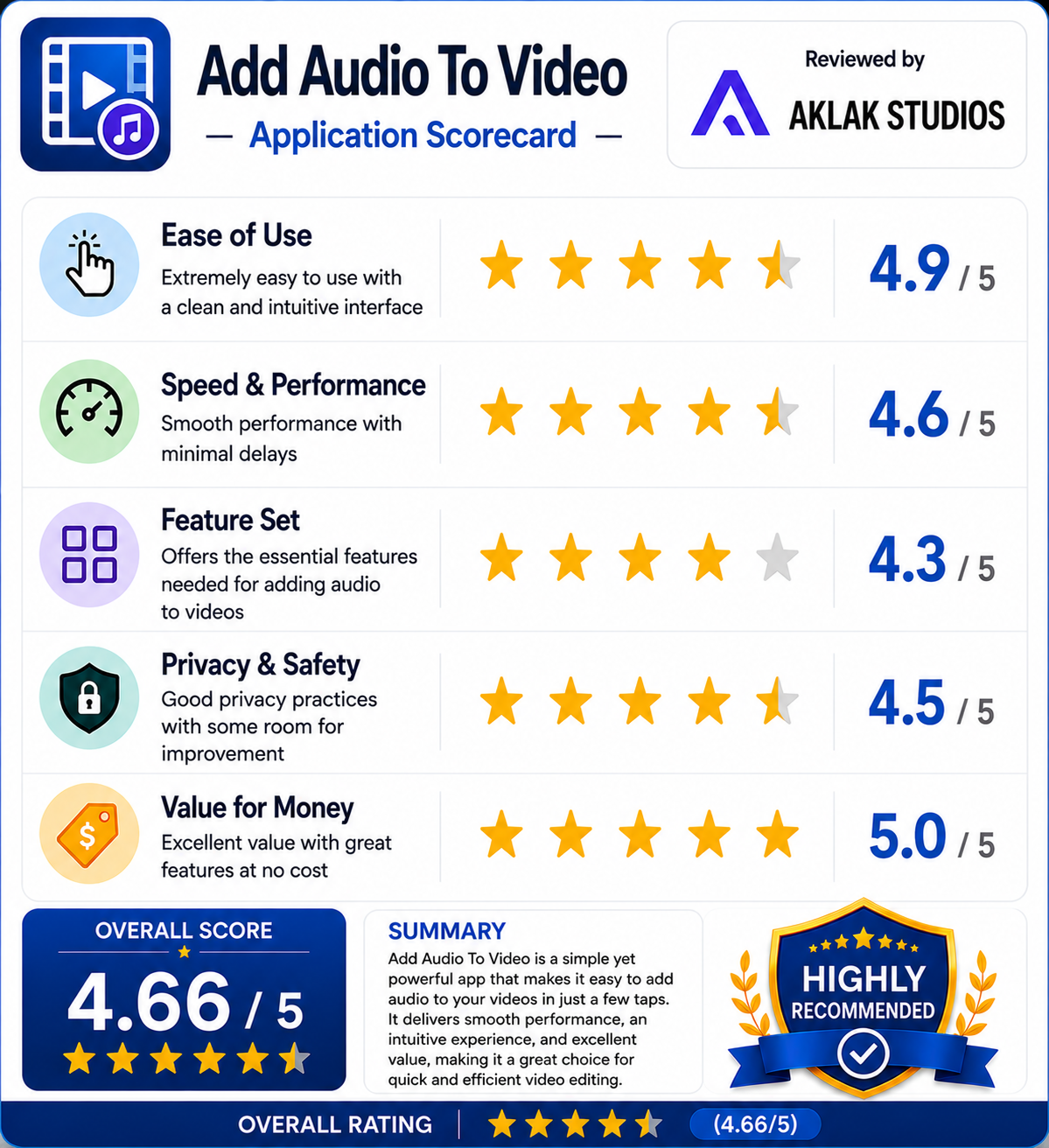
- Ease of Use: 4.9 / 5
- Speed & Performance: 4.6 / 5
- Feature Set: 4.3 / 5
- Privacy & Safety: 4.5 / 5
- Value for Money: 5.0 / 5